
My Credentials

Applied Data Science Program: Leveraging AI for Effective Decision-Making

MIT PROFESSIONAL

Skills I have achieved:

  • Proficiency in data science techniques
  • Ability to implement machine learning techniques
  • Expertise in Deep Learning methodologies
  • Knowledgeable in Neural Networks
  • Proficient in Python programming language
  • Strong foundation in EDA & Data Visualization
  • Sound understanding of statistics for data science

Google Analytics Certification

GOOGLE ANALYTICS

With my Google Analytics Certification, I am adept at:
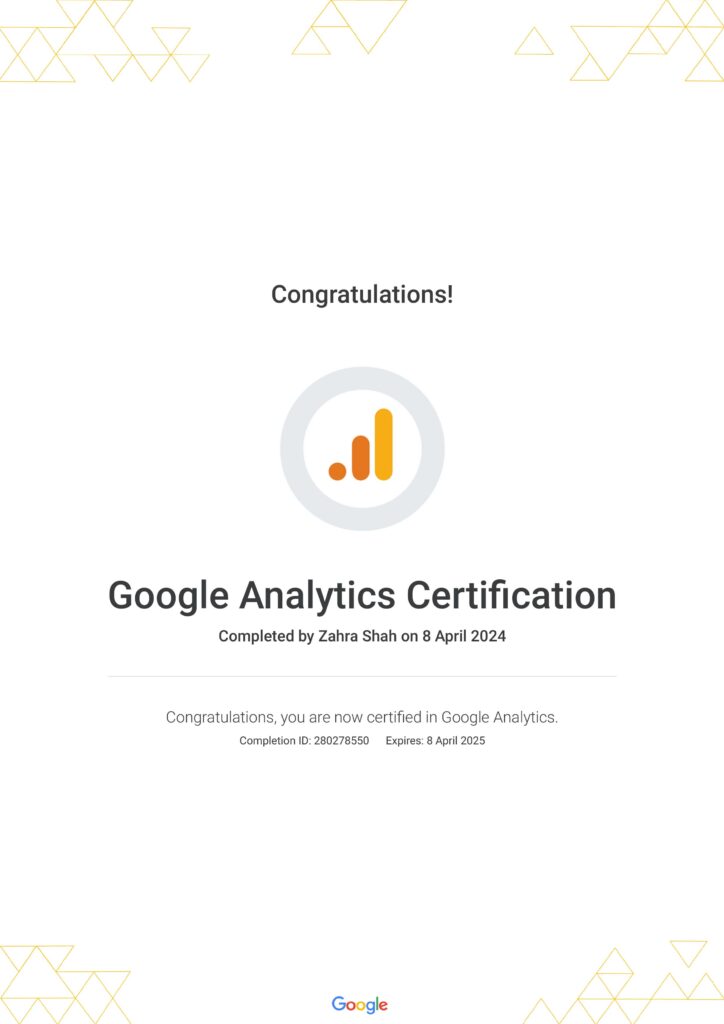
  • Establishing a Google Analytics 4 property for both websites and apps
  • Gathering pertinent data essential for business operations and harnessing the capabilities of various reporting tools and features
  • Identifying key measurement features that effectively gauge the success of online marketing endeavors

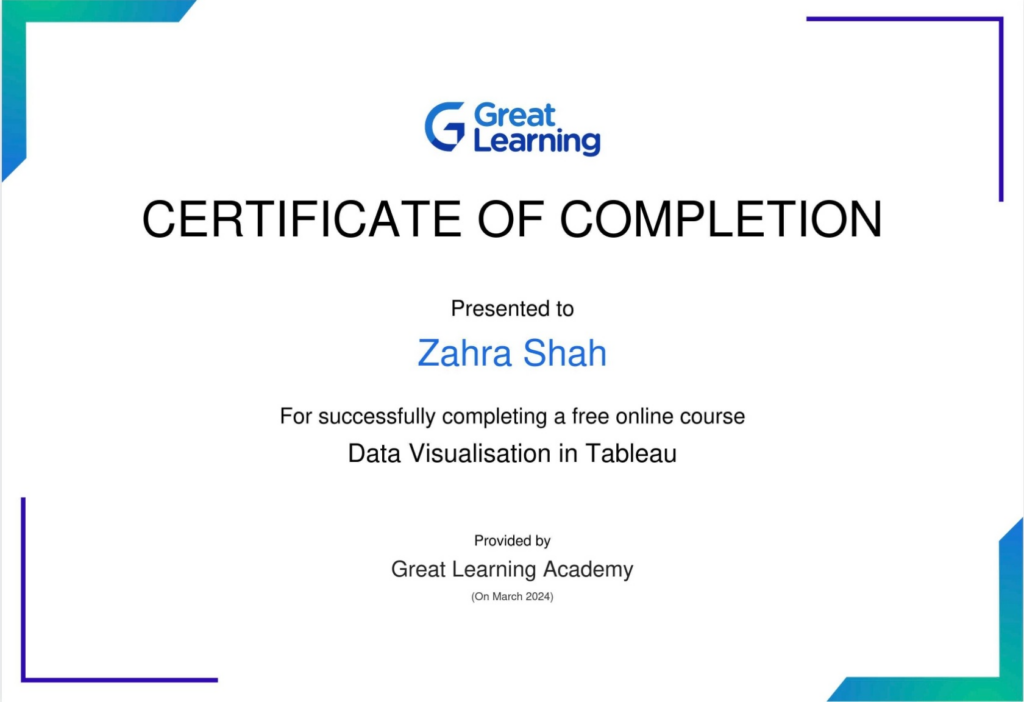
Data Visualisation in Tableau

TABLEAU

Tableau is an incredibly powerful tool for data visualization that allows users to create interactive and insightful dashboards with ease. Through my online certification in Tableau, I learned the following key points about its effectiveness:
  • User-Friendly Interface: Tableau’s intuitive interface makes it accessible to users of all levels & allows for quick and easy creation of visualizations.
  • Interactive Dashboards: Tableau enables the creation of dynamic and interactive dashboards that allow users to explore data from multiple angles. This interactivity facilitates better understanding and analysis of data, leading to more informed decision-making.
  • Variety of Visualization Options: Tableau offers a wide range of visualization options, including bar charts, line graphs, scatter plots, maps, and more. This versatility allows users to choose the most appropriate visualization type for their data to effectively communicate insights.
  • Seamless Data Integration: Tableau seamlessly integrates with various data sources, including Excel, CSV, databases, and cloud platforms. This allows users to connect to their data directly and create visualizations in real time, ensuring that insights are based on the latest information.
  • Storytelling Capabilities: Tableau’s storytelling features enable users to create compelling narratives with their data. By combining multiple visualizations into a cohesive story, users can effectively communicate key findings and insights to stakeholders.

Data Visualization With Power BI

POWER BI

Power BI is a powerful business intelligence tool developed by Microsoft that allows users to create interactive and visually appealing reports and dashboards. With Power BI, users can connect to various data sources, transform and clean data, and create insightful visualizations to gain actionable insights. Its user-friendly interface and drag-and-drop functionality make it easy for users to build and customize reports and dashboards without the need for extensive technical expertise. Power BI also offers features such as natural language queries, AI-powered insights, and seamless integration with other Microsoft products like Excel and Azure, making it a versatile and effective tool for data analysis and decision-making.